
How to upload photos to Orvelle
2 min read
Photos come in at the Photos step of the intake, called “Add reference photos”. They help the illustrators capture the details. They are references, not required, and the book is illustrated from them rather than printed from them.
What the Photos step accepts
JPG and PNG files only, up to 10 MB per file, and up to 30 photos in total. Files that do not match are skipped, and the step tells you which ones were skipped and why, either the file type or the 10 MB limit.
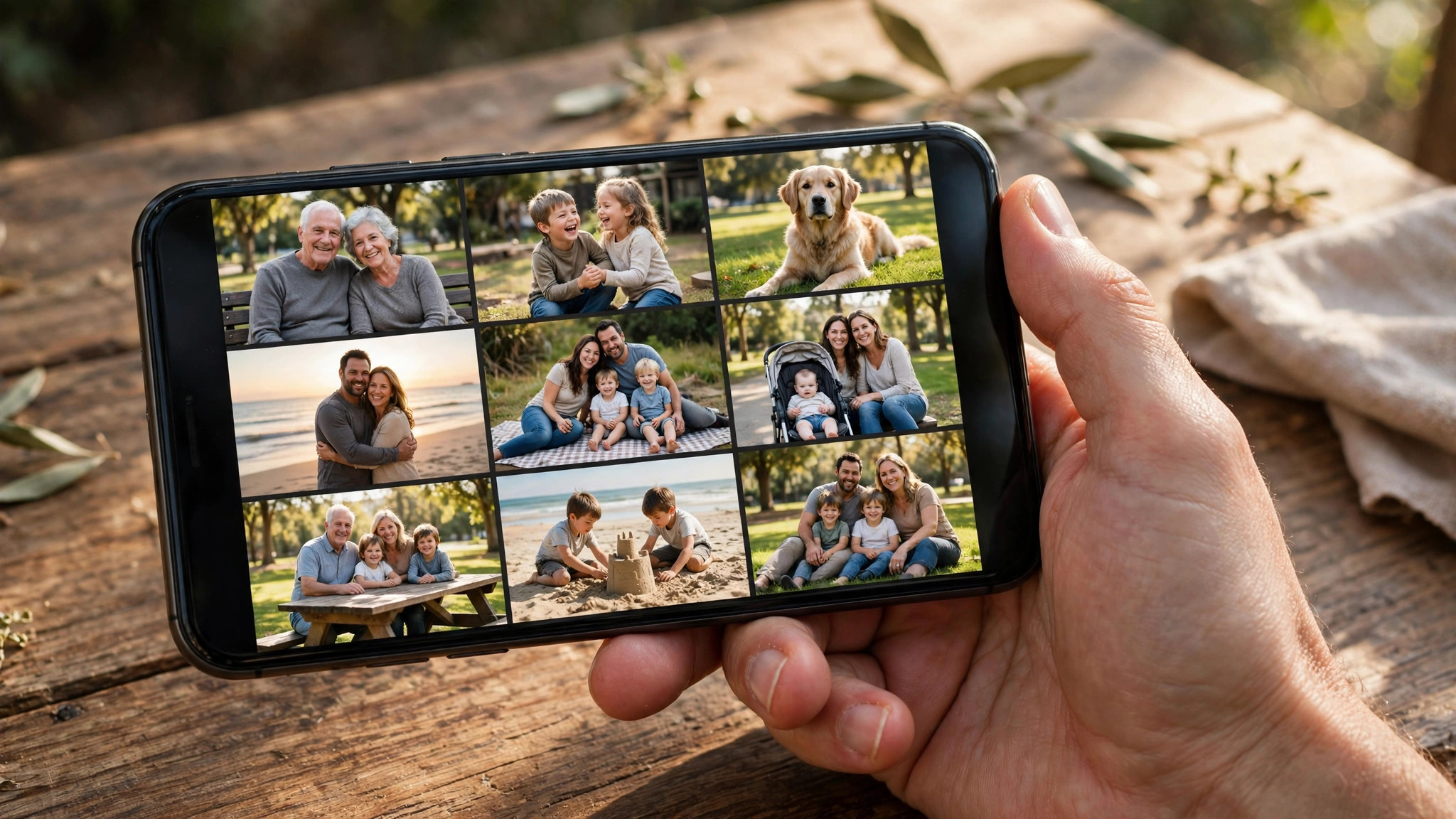
How to add them
Tap “Upload photos” and choose one or several files at once. Each photo appears as a thumbnail, with a counter showing how many of the 30 you have used. Tap the × on a thumbnail to remove a photo.
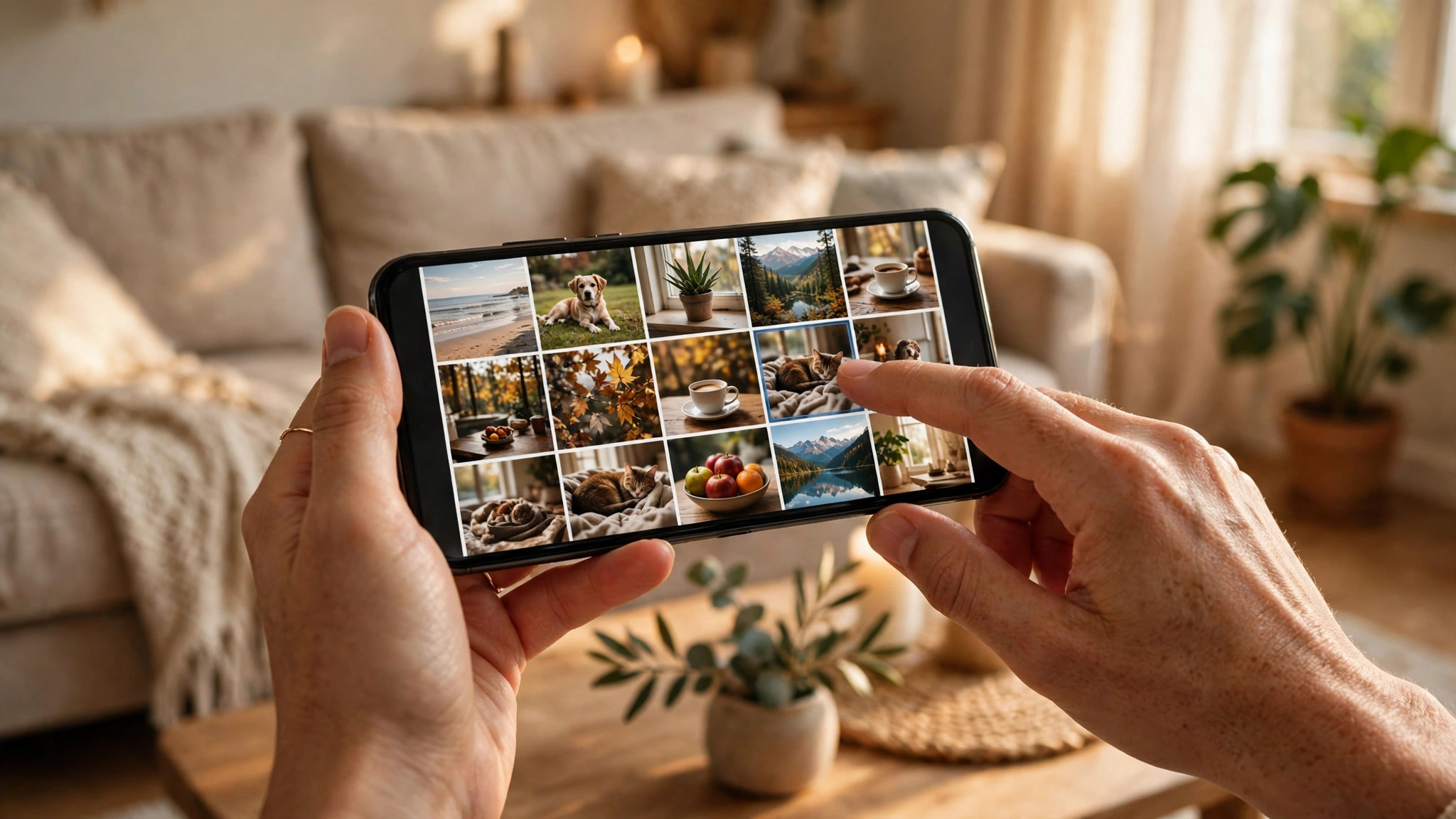
What makes a good reference photo
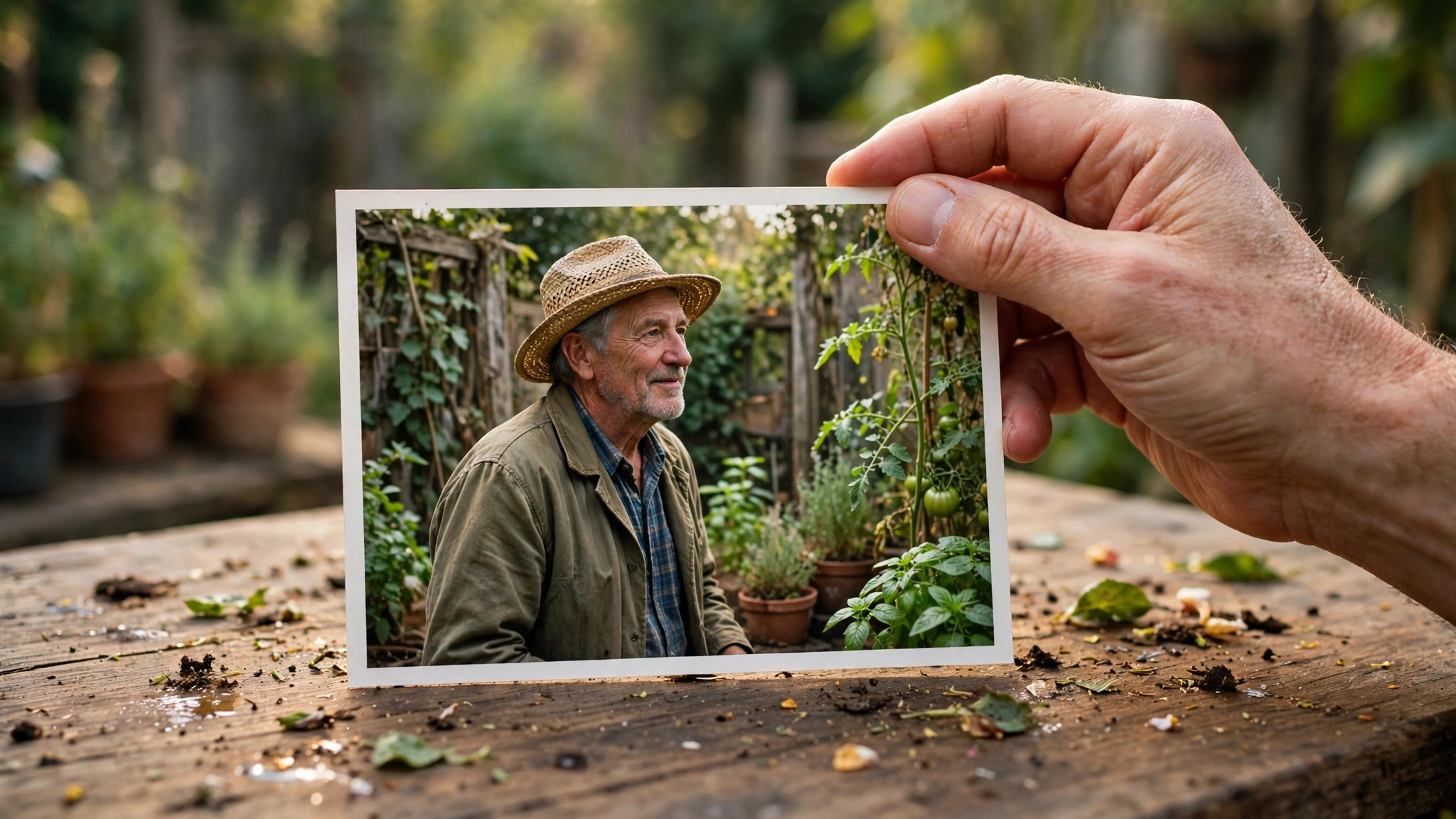
The photos help illustrators capture likeness and personality, so clear and well-lit wins. The person should be recognisable as themselves, their markings, their attire, the settings they actually lived in. A sharp phone photo of the person as they are does more than a formal portrait that could be anyone.
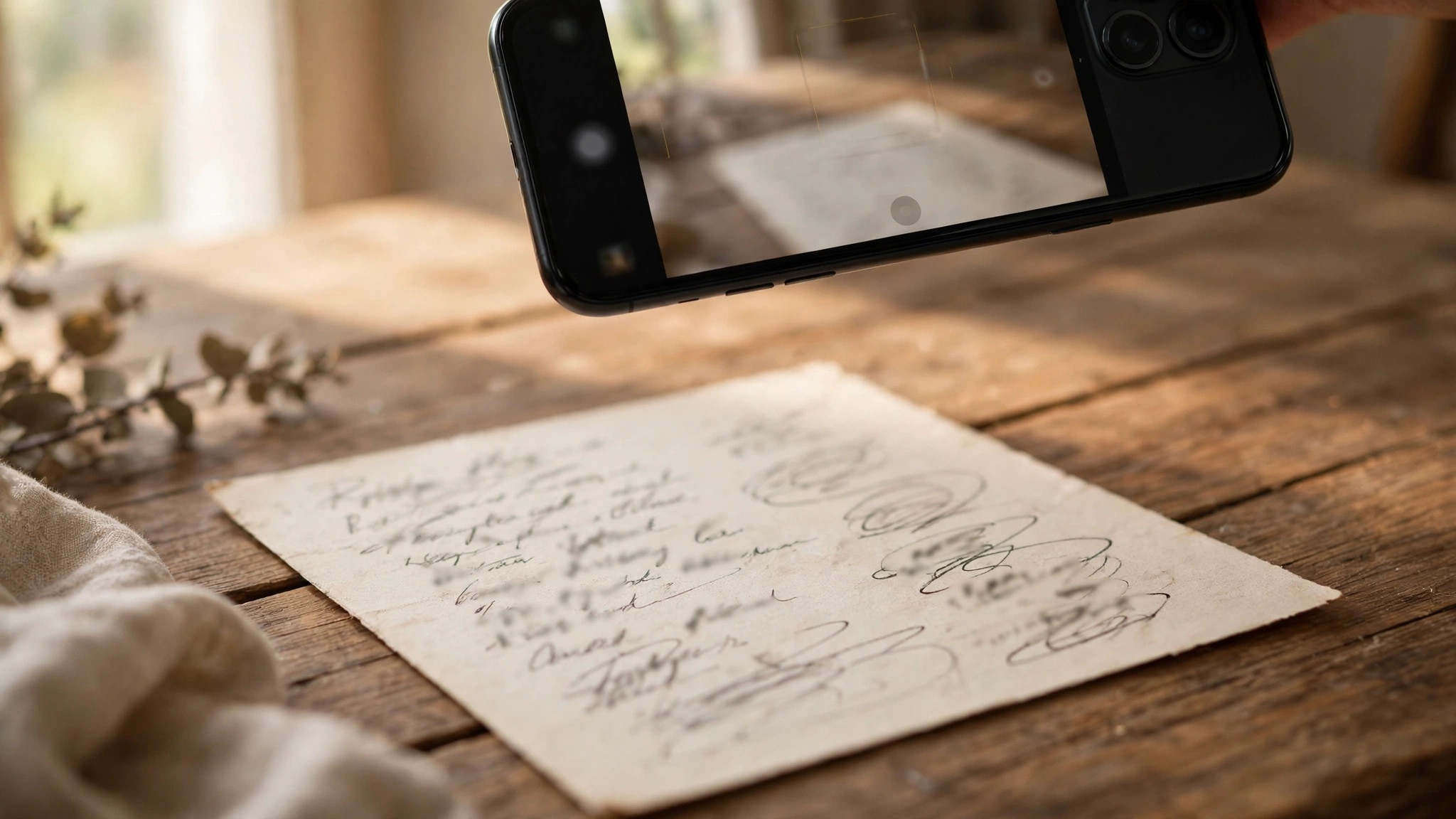
Photographing handwritten recipe cards
For a recipe book, photograph the handwritten cards, clippings, and index cards and upload them during the intake. The recipe text is typed from those images, and you approve the wording on the proof before anything prints. Photograph each card flat, in good light, one card per photo, so the writing is readable. If the handwriting is hard to read, send the cards as they are and add a note wherever a word is unclear. The proof is where you correct the transcription.
What happens after you upload
Your photos travel with your order into the making of the book, and the recipe text typed from card photos is part of what you review on the proof. Nothing is printed before you approve the complete PDF proof, including the typed recipe text, and you can request revisions before it prints.
Ready to start?
Share your notes and photos. Orvelle writes, illustrates, and sends a PDF proof before printing.
Continue to the intake