
How to add recipes to your recipe book
2 min read
A recipe book holds the dishes your family actually cooks, one recipe per spread. There are two ways recipes get in: pick them from the blog, or add your own.
Pick recipes from the blog
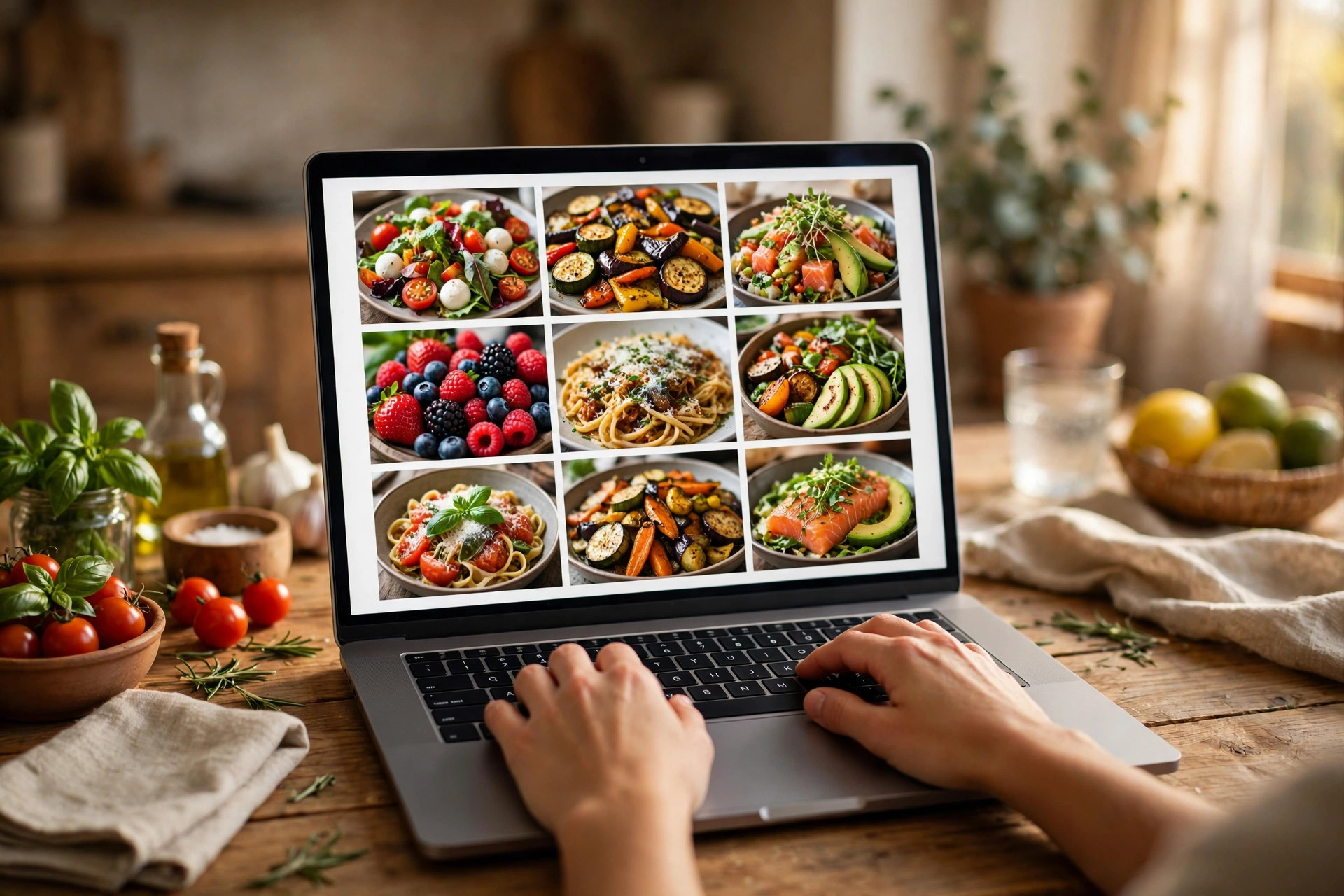
Browse the recipes at /recipes and narrow them down by vegetarian, vegan, high-protein, kid-friendly, 30 minutes or less, one-pot, gluten-free, dairy-free, budget, air fryer, or slow cooker, or by region and course. Tap “Add to my recipe book” on any recipe. The bar at the bottom of the page shows how many you have picked and whether they fit your edition.
Hand them into the intake
“Build my recipe book” opens /create with your recipes already in. The book type is pre-filled to Recipe Book, so there is no second intake and nothing to retype. The recipes travel by ID, and the text and photos come from the blog catalogue. From there the intake is the same guided form as any other book, edition, details, photos, language, shipping, review and pay.
Give each recipe its story
In the intake, the Memories step becomes “Recipes & stories”. Each chosen recipe is listed with its photo and title, plus one optional short prompt, “Who made this? When do you make it?”, in one or two sentences. Reorder the recipes with the arrows to set the order they appear in the book, and remove any you change your mind about. The order you pick on the blog is the order the book starts in.
Add your own family recipes
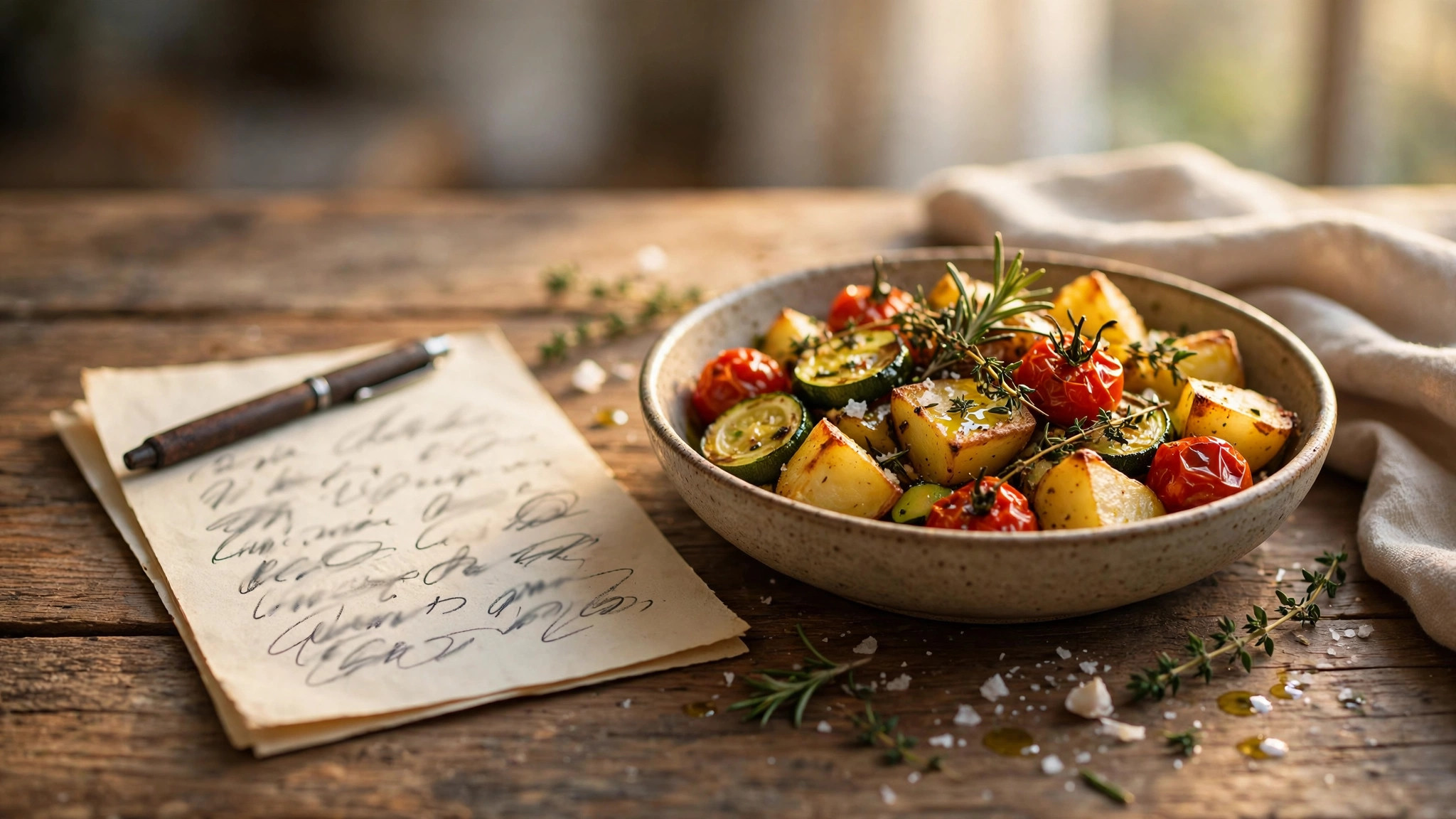
Under “Add your own recipe” you can add a recipe the blog does not have: a title, ingredients one per line, steps one per line, and an optional story. Tapping “Add this recipe” counts it as one spread, exactly like a blog recipe. If the recipe lives on a handwritten card, photograph the card and upload it during the intake instead. The recipe text is typed from the image, and you approve the wording on the proof.
Mind the limits
Every edition holds a set number of recipes, because three spreads are reserved in every book. Classic holds 8–12 recipes, Keepsake 12–17, Heirloom 20–27, and Collector 28–37. Below the minimum, the intake asks you to add more recipes; above the maximum, it offers the next edition up or removing some. Checkout stays blocked until the count fits. The same guard runs in the intake and again before payment, so a book can never be ordered with the wrong number of recipes in it.
What a recipe spread looks like
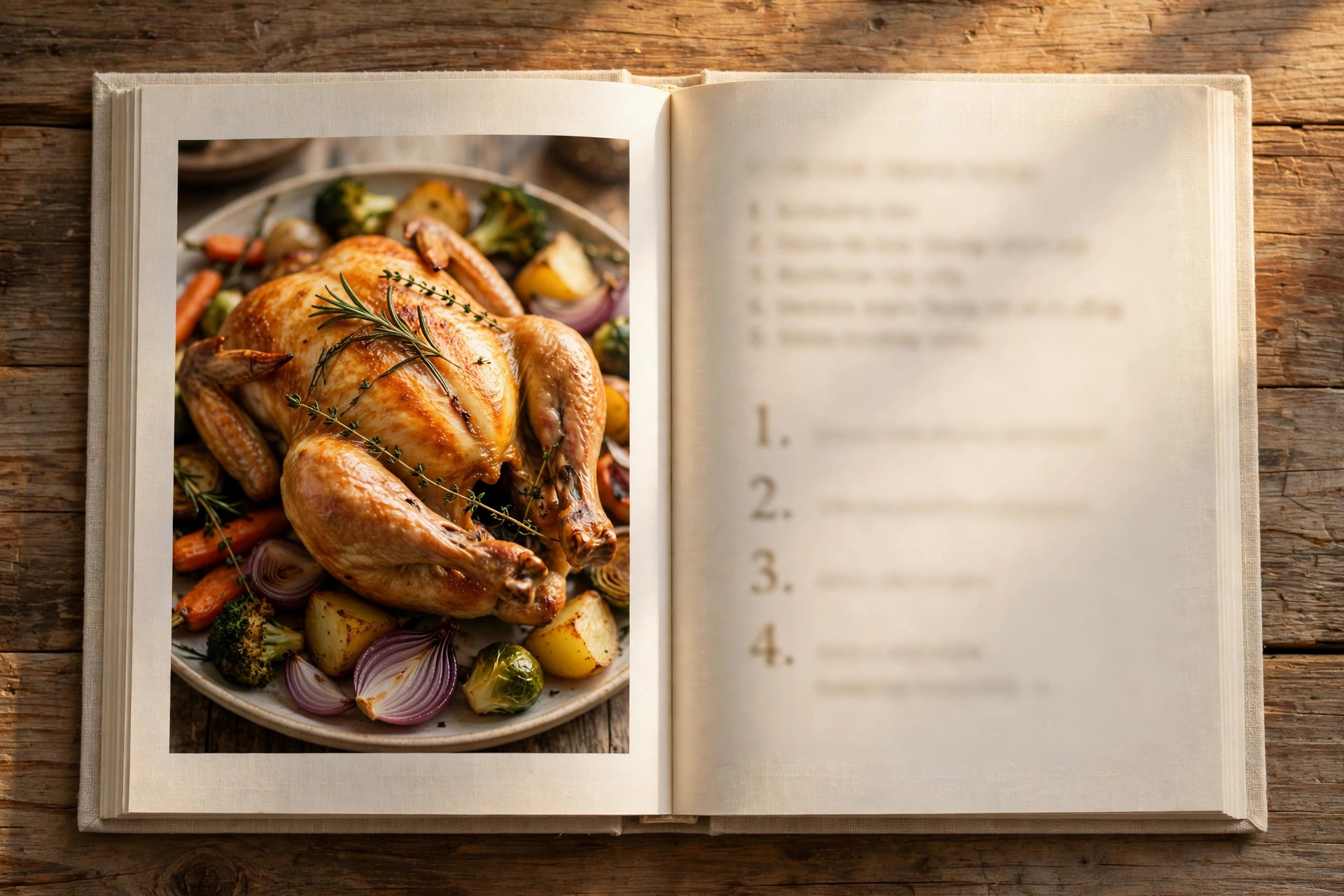
The finished-dish photo and the family story sit on one side; the ingredients and the numbered steps sit on the other. The dish photos are the same AI photoshoot images from the blog. Journal pages stay at the back of the book for handwritten notes and extra recipes, and they do not count toward the recipe spreads.
Ready to start?
Share your notes and photos. Orvelle writes, illustrates, and sends a PDF proof before printing.
Browse the recipes